Comments
Annotate your knowledge base with comments and resolve them with your agent
For comments you want to keep inside a markdown file using <!-- … --> or %%…%%, see markdown comments.
Write a comment
Select text, a code block, or a diagram, then press Cmd+Shift+M on macOS or Ctrl+Shift+M on Windows and Linux, or click Comment in the selection toolbar.

Review and send
Comments are highlighted in the document, and each open comment gets a marker in the right-hand margin. Click either one to open the comment in the document panel (Cmd+Option+B on macOS or Ctrl+Alt+B on Windows and Linux).
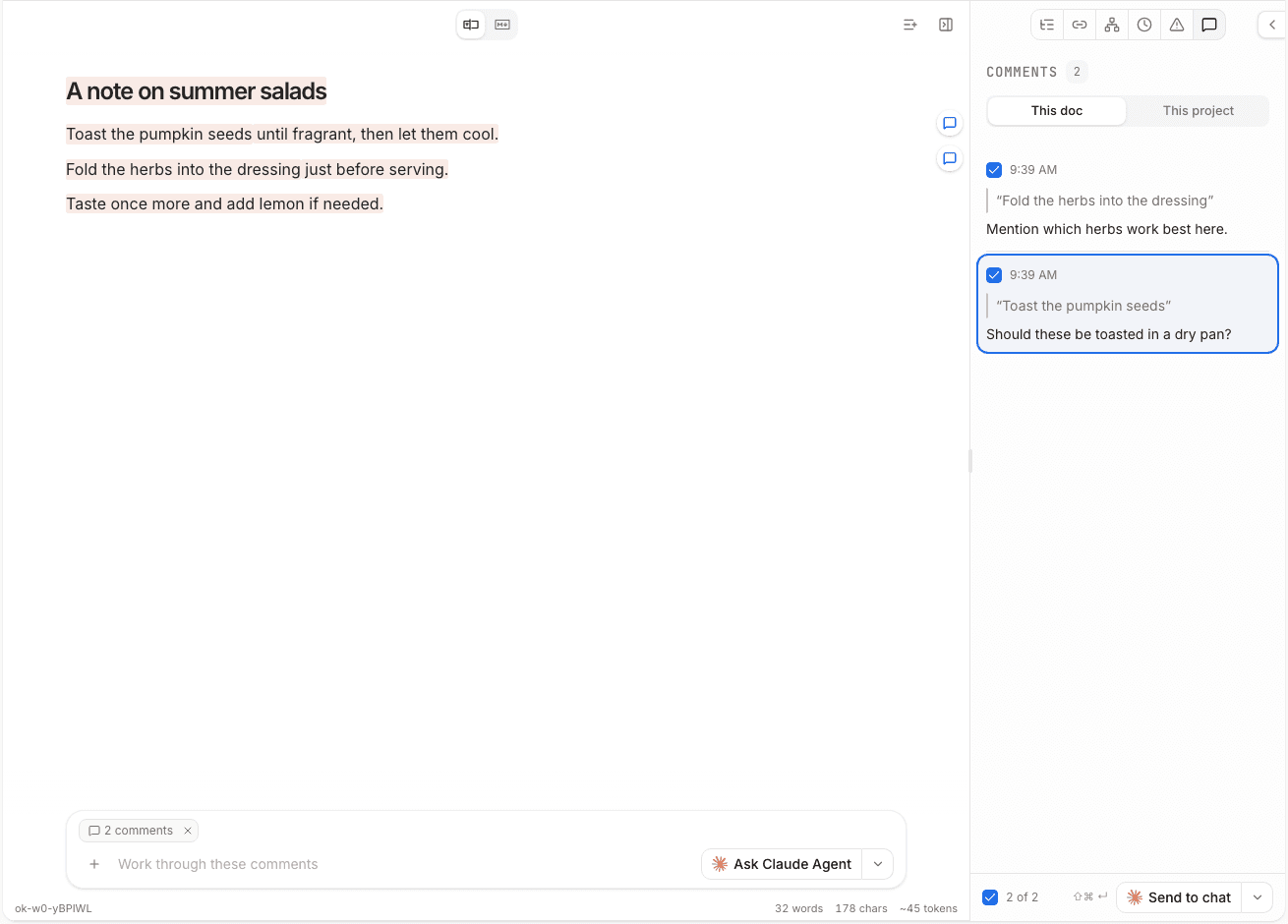
You can control which comments are sent to your agent by checking or unchecking them. Then click the send button or use Cmd+Shift+Enter on macOS or Ctrl+Shift+Enter on Windows and Linux while the Comments tab is open.
If the text a comment points to is deleted or rewritten enough that OpenKnowledge can no longer find it, the comment becomes orphaned. The comment is still there, but it is no longer attached to live text in the document. If you send it to your agent, it includes the original quote for context. To reattach it, select the new text in your document and click Re-place on selected text.
Resolve and reopen
After comments are sent to an agent, they are marked as resolved. To see resolved comments again, use the Show resolved control in the Comments tab.
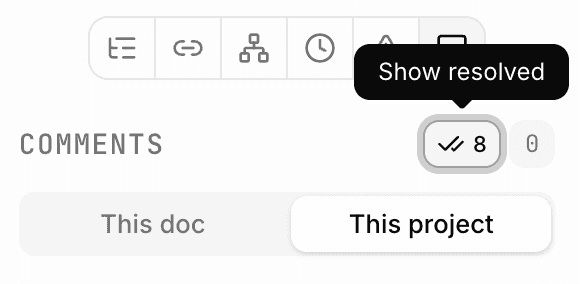
If you are unhappy with the way the agent made edits, or just want to reopen a comment, Reopen puts it back in the unresolved state so you can send it to an agent again.
Agent access to comments
Agents can view unresolved comments when they read a file via MCP. Each comment includes the note along with the passage it refers to.
When an agent lists files, it can also see how many unresolved comments each file has.
Comments are local
Comments stay local to the machine that created them. They are not committed and not pushed, so they are not visible to your team members.
Comments are stored in .ok/local/comments/. Read more on what OpenKnowledge writes to your system.
See also
- Editor — the selection toolbar, the Properties panel, and the rest of the editing surface.
- Agent activity — reviewing what the agent changed after it acts on your comments.