Launch Week · Feature Launches
Open any markdown file anywhere
 Serafin Garcia · · 2 min read
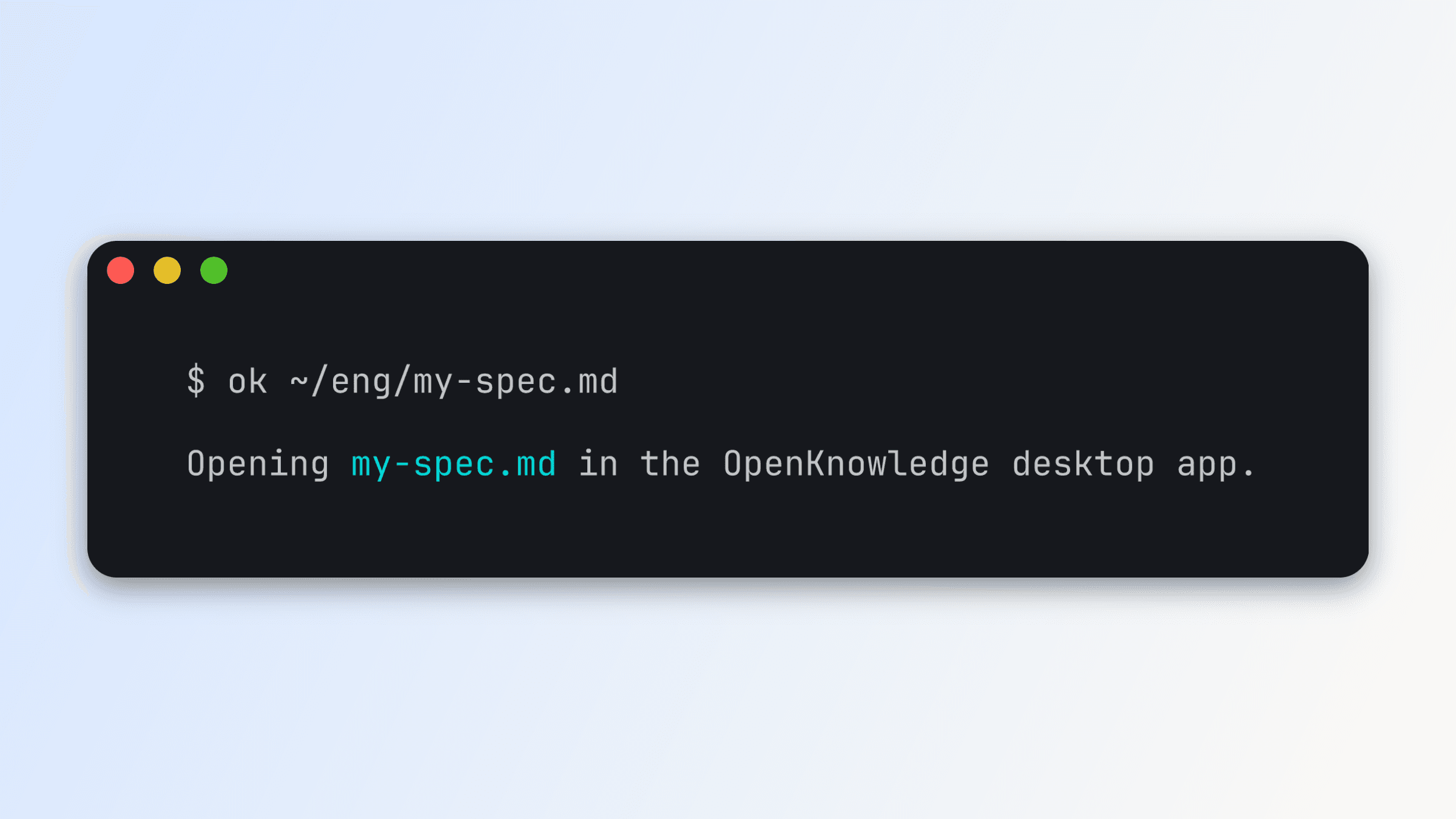
We're rolling out improvements to make OpenKnowledge the go-to experience for editing markdown files.
Open any markdown file, any time
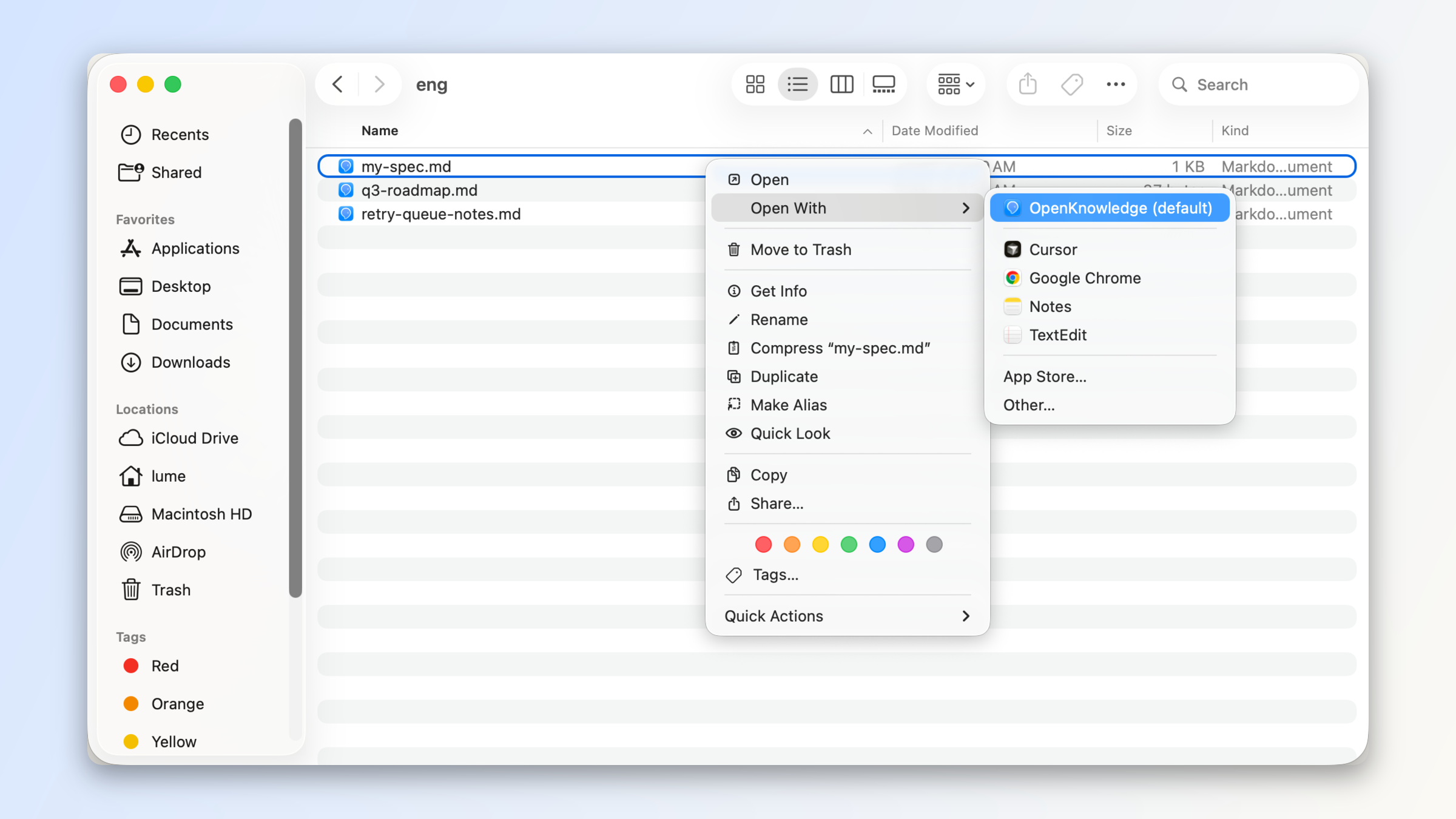
On macOS, right click any markdown file and OpenKnowledge now shows as an option for opening it, and you can set it as the default application to open both and files.
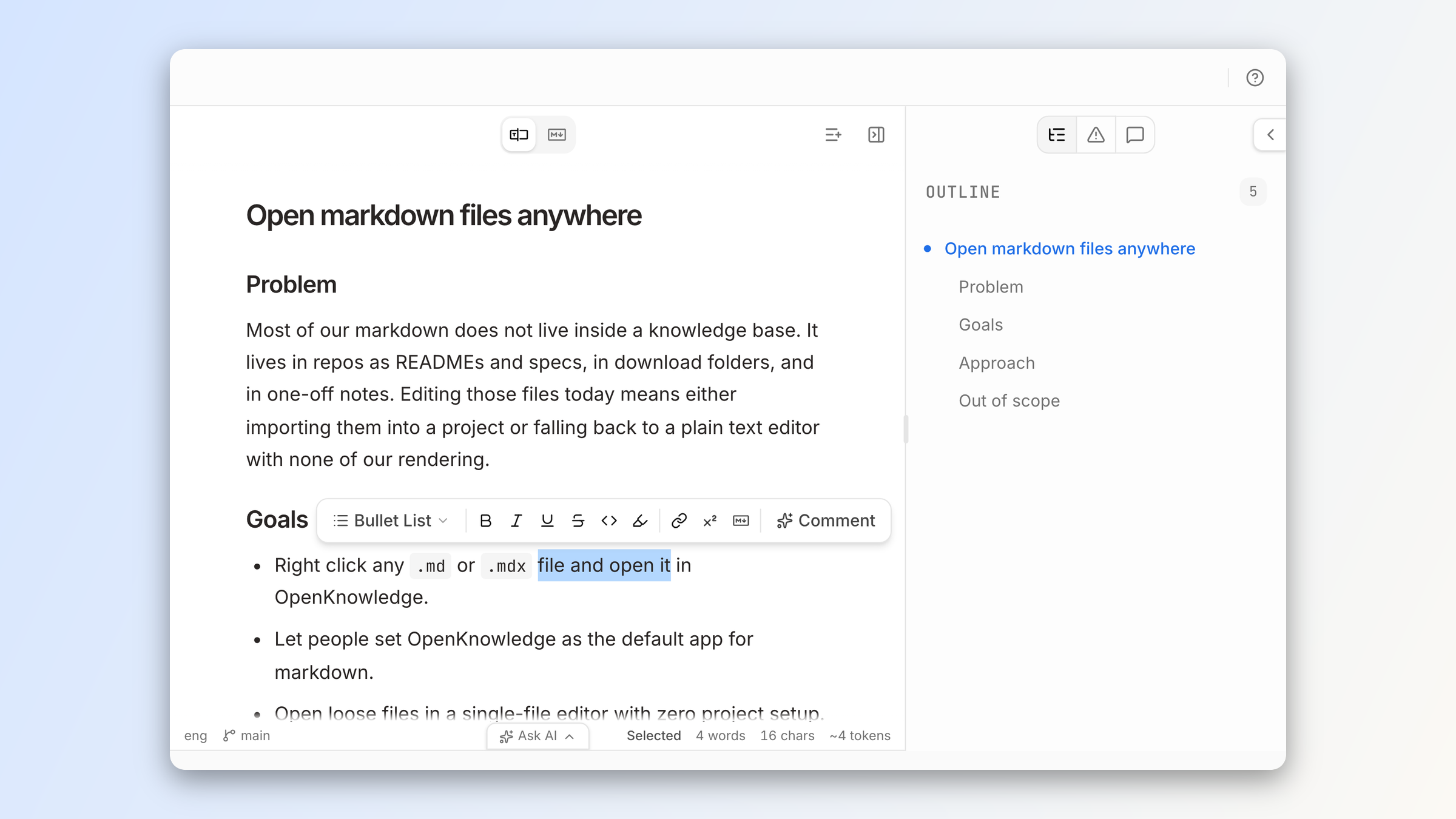
If a file lives inside an OpenKnowledge project, the app opens that project focused on the file, with the full project IDE experience.
And for any file not in an OpenKnowledge project, a single-file version of the WYSIWYG editor will open with the full editing and rendering capabilities of our markdown engine.
With the OpenKnowledge CLI, you can also open any markdown file with from your terminal.
Or ask your agent, and it can open the file in the web viewer for the app:
Open in OpenKnowledge
Project IDE improvements
Beyond making it easier to use OpenKnowledge in single-file mode, we've made improvements to the core IDE experience for projects.
First, we made it easier to work with multiple files at a time by adding a multi-tab and split-pane experience.
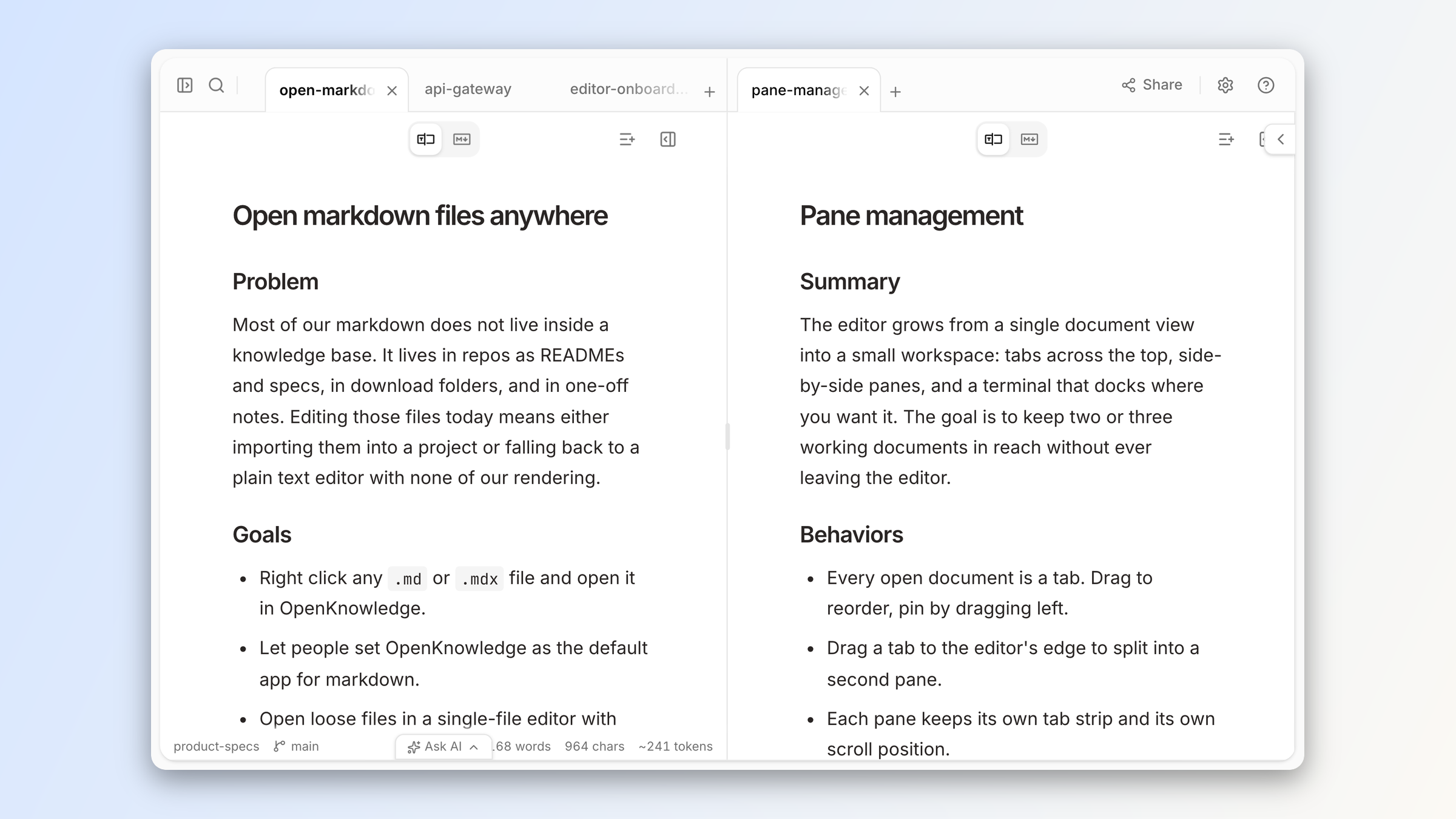
Other highlights include:
- a dedicated terminal pane, separate from the new agent conversations pane. Configurable to the bottom or right side. Available on macOS today, and on Linux on the beta channel.
- Pop-out windows to open notes or terminals in standalone windows
- Edit any file, including code, config, and plain-text files in a real editor (powered by CodeMirror)
Get started
Our goal was to give OpenKnowledge capabilities closer to a traditional IDE experience, while keeping it accessible and a beautiful, simple markdown editor as a default.
Download OpenKnowledge to give the new experience a try.
About the author