Share skills with your team
Set up the repository your team installs skills from.
Your team's skills live in one Git repository. People install the ones they want and get your later changes as an update they can review. It is a repo, so it already has reviewers, history, and permissions.
Put the skills in one repository
One folder per skill, each with a SKILL.md. Nothing else is required.
team-skills/
├── code-review/
│   └── SKILL.md
├── incident-response/
│   └── SKILL.md
└── release-notes/
    └── SKILL.md
Put in what you would otherwise explain to every new person: how this team writes a design doc, what an incident timeline must contain. Leave out one person's preferences, which belong in their own global skill.
Private repositories work. A public one also appears on skills.sh.
Write them in OpenKnowledge
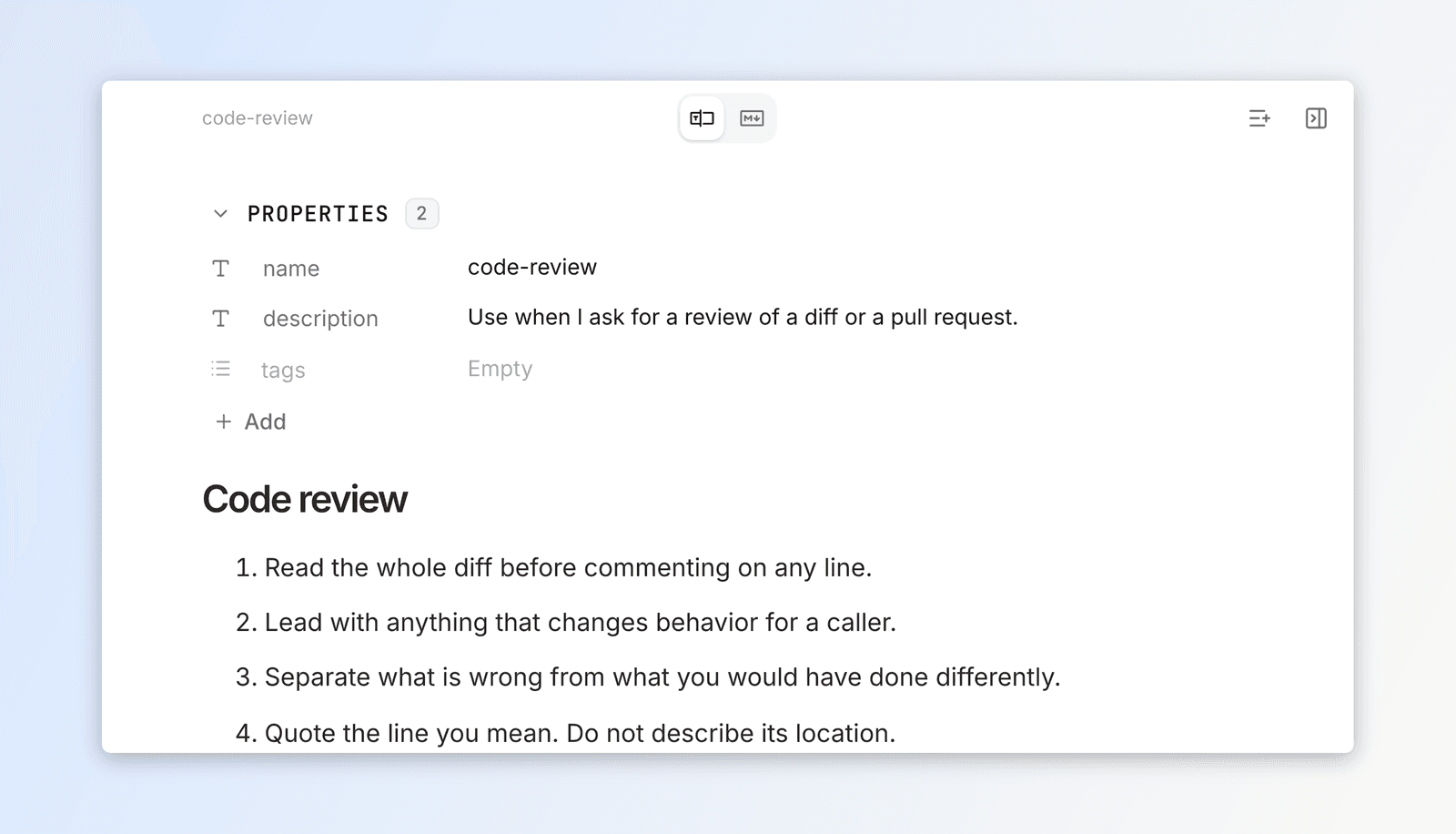
Open the repository itself as an OpenKnowledge project. Each SKILL.md is a normal page: its frontmatter shows as properties, the instructions sit below, and it carries the same version history as any other content. Ship a change the way you ship any change: commit and push.
Write a skill covers the authoring itself, including having an agent draft one.
Then send your team Install your team's skills with your repository name.
What this is not
- Not a hosted store. Distribution is your repository, and permissions are its permissions.
- Nothing is pushed onto anyone. Every install and update is a person's choice.
- No team-wide setting. Two people can install different skills into different tools.